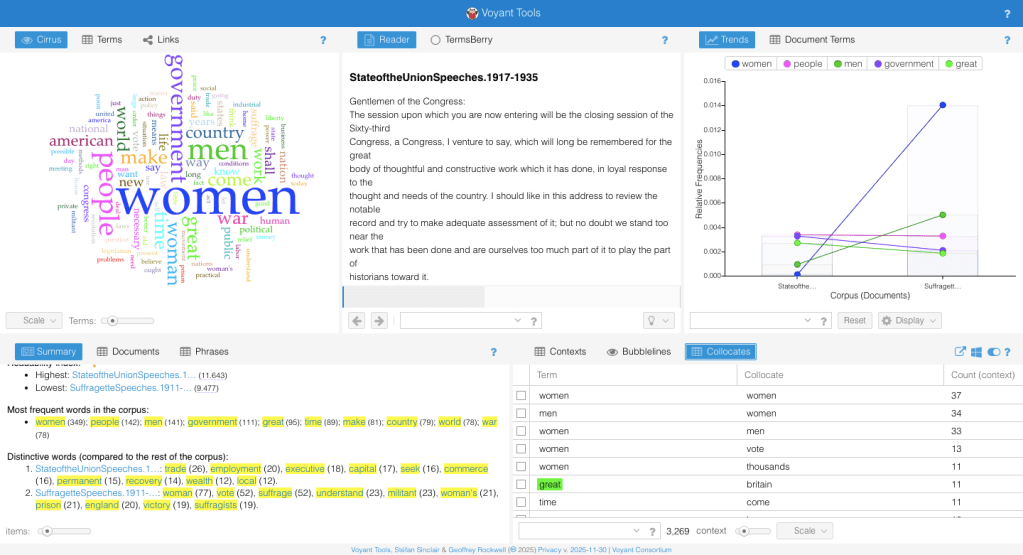
A related tool to the previous is the Collacate tool, as seen above. It can be found on the bottom right-hand of your screen, on the third page of tools.
As a reminder, collacate data are the words found in proximity to each keyword in your corpus. This tool has the collacate data listed along with the term listed on the left, and on the right, you’ll see something called “Count (context)”. This basically is just sharing the frequency of the term occurring in proximity to the keyword. This shows you words that are related within the corpus.
 Voyant Text Guide for Students
Leave a comment